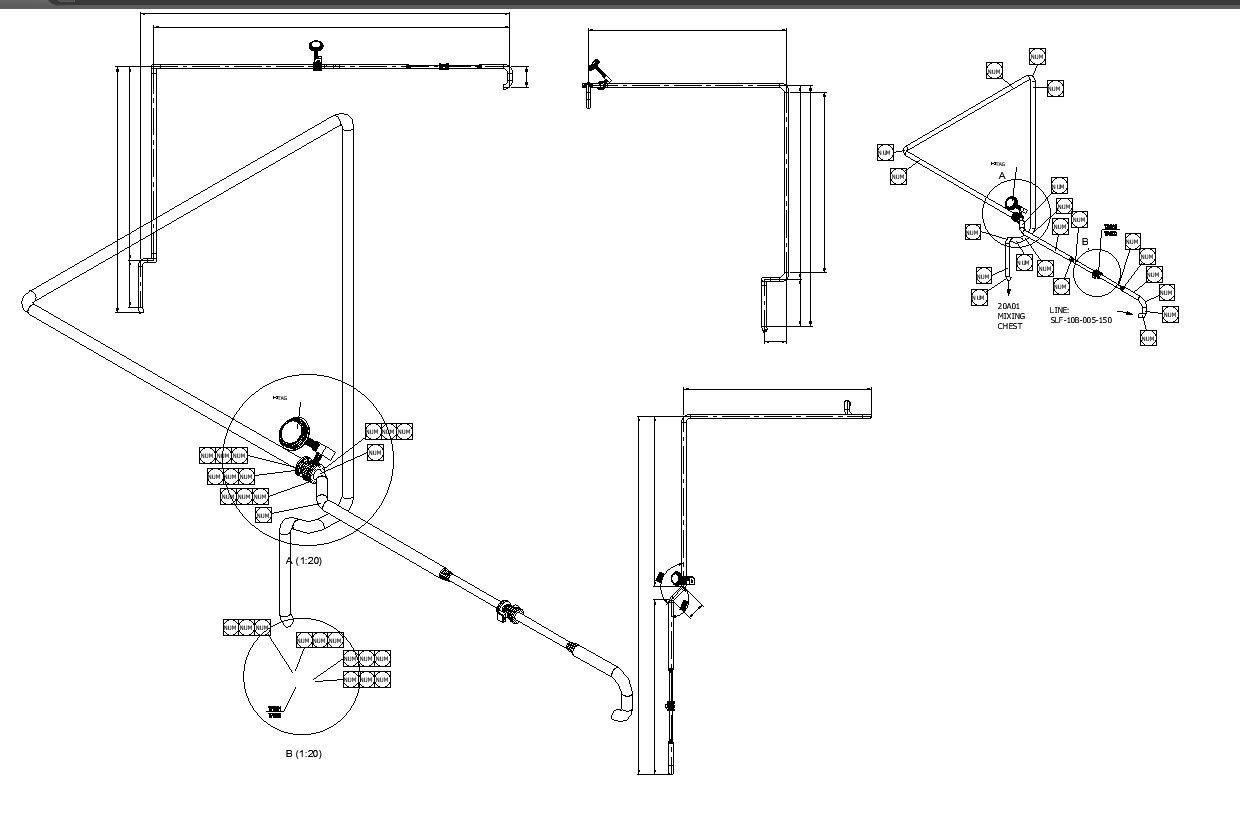
Mixing Chest Line Detail In AutoCAD Dwg File
Tags
Ratings & Reviews
Be the first to share your experience with this product. Your review helps others make better decisions!
Description
Creating a chest line detail in AutoCAD is like crafting a precise blueprint for a piece of furniture. Imagine sketching the intricate design of a chest using a computer program called AutoCAD. This software allows you to draw every curve, edge, and corner with utmost accuracy. The result is a detailed CAD drawing saved in a DWG file format, which is essentially a digital version of your design. By mixing the chest line detail in AutoCAD DWG files, you can seamlessly blend creativity with precision, ensuring your furniture design comes to life exactly as envisioned. This process is perfect for those who want to bring their ideas to reality through the art of CAD drawing and AutoCAD files.




Uploaded by:
K.H.J Jani
Tags
Ratings & Reviews
Be the first to share your experience with this product. Your review helps others make better decisions!